HSR Sector 6 · Bangalore +91 96110 27980 Mon–Sat · 09:30–20:30

What does Networkers Home's HSR Layout campus look like?

The Networkers Home campus is a single building in HSR Sector 6, Bangalore - operating continuously since 2007. It houses a real-hardware Cisco / Palo Alto / Fortinet / Check Point / Kali Linux lab, classroom batches of 18-25 students, the founder's office, and a placement-letter wall. 4.7 stars on 1,173 Google reviews (as of June 2026).

Photo gallery · HSR Layout Bangalore

Networkers Home photos - campus, lab, classroom, founder, alumni

Every photo on this page is genuine, taken on the Networkers Home HSR Layout Bangalore campus over the past 19 years of operation. No stock photography. If you are deciding whether to enrol, this is what the actual building, lab, and classrooms look like - not a render.

Campus

HSR Layout Bangalore campus

The Networkers Home campus sits in HSR Sector 6, Bangalore - a short walk from the HSR BDA complex and a 10-minute auto from the HSR Layout bus stand. Building exterior, reception, the front whiteboard with the current month's batch schedule, and the founder's office.
Networkers Home HSR Layout Bangalore campus exterior
Networkers Home reception and admissions desk
Lab

Real-hardware Cisco + multi-vendor lab

Not a simulator shop. Real Cisco ISR/Catalyst routers and switches, Palo Alto PAN-OS 11 firewalls, FortiGate 7.4 boxes, Check Point R82 gateways, and a dedicated Kali Linux attack-range. The lab is accessible 24x7 via vpn.networkershome.com - students remote-in from PG rooms at 2am to finish CCIE rack-rentals.
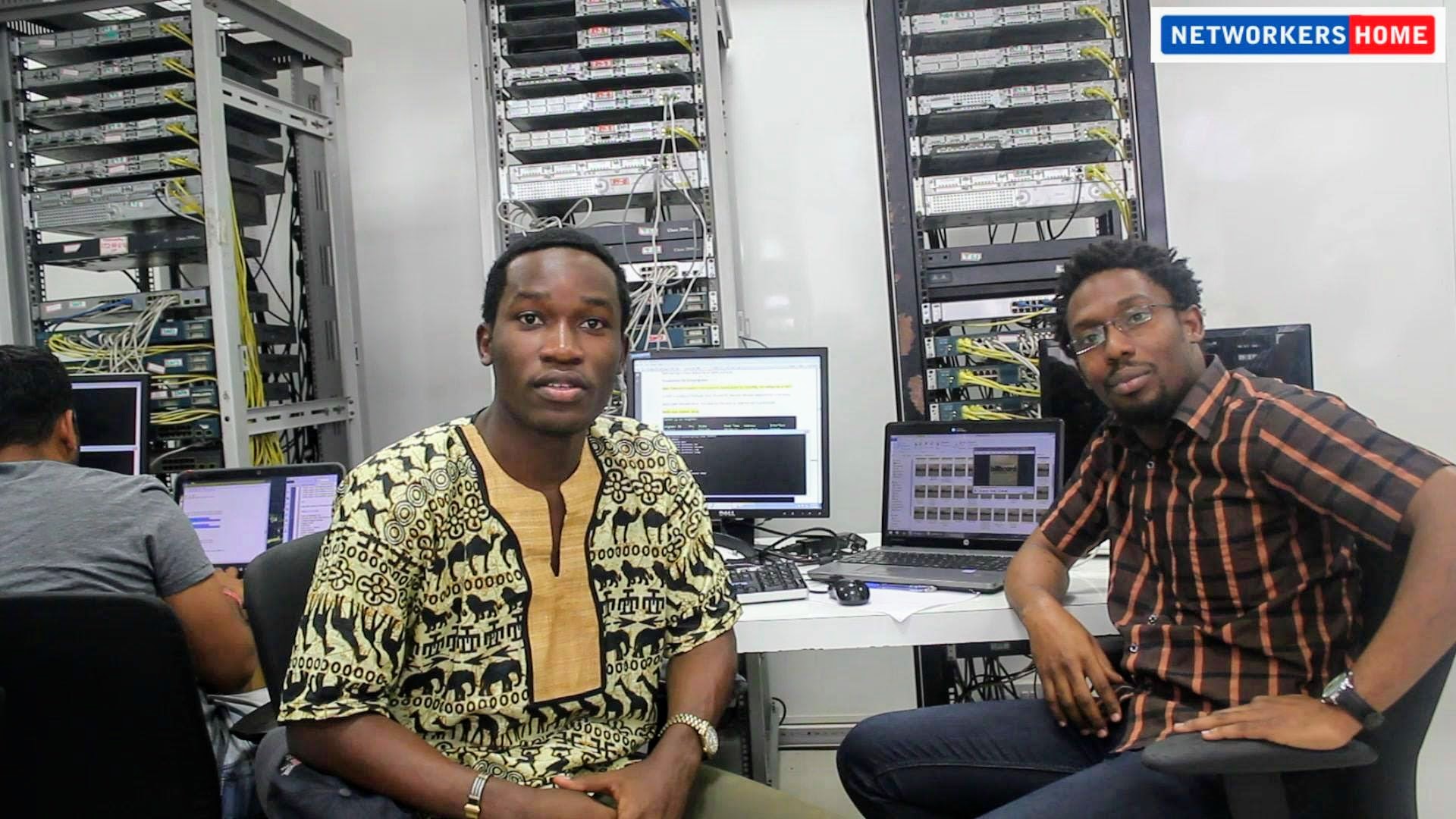
Networkers Home Cisco rack lab with real hardware
Networkers Home multi-vendor firewall rack
Networkers Home cybersecurity lab workstations
Classroom

Classroom batches in session

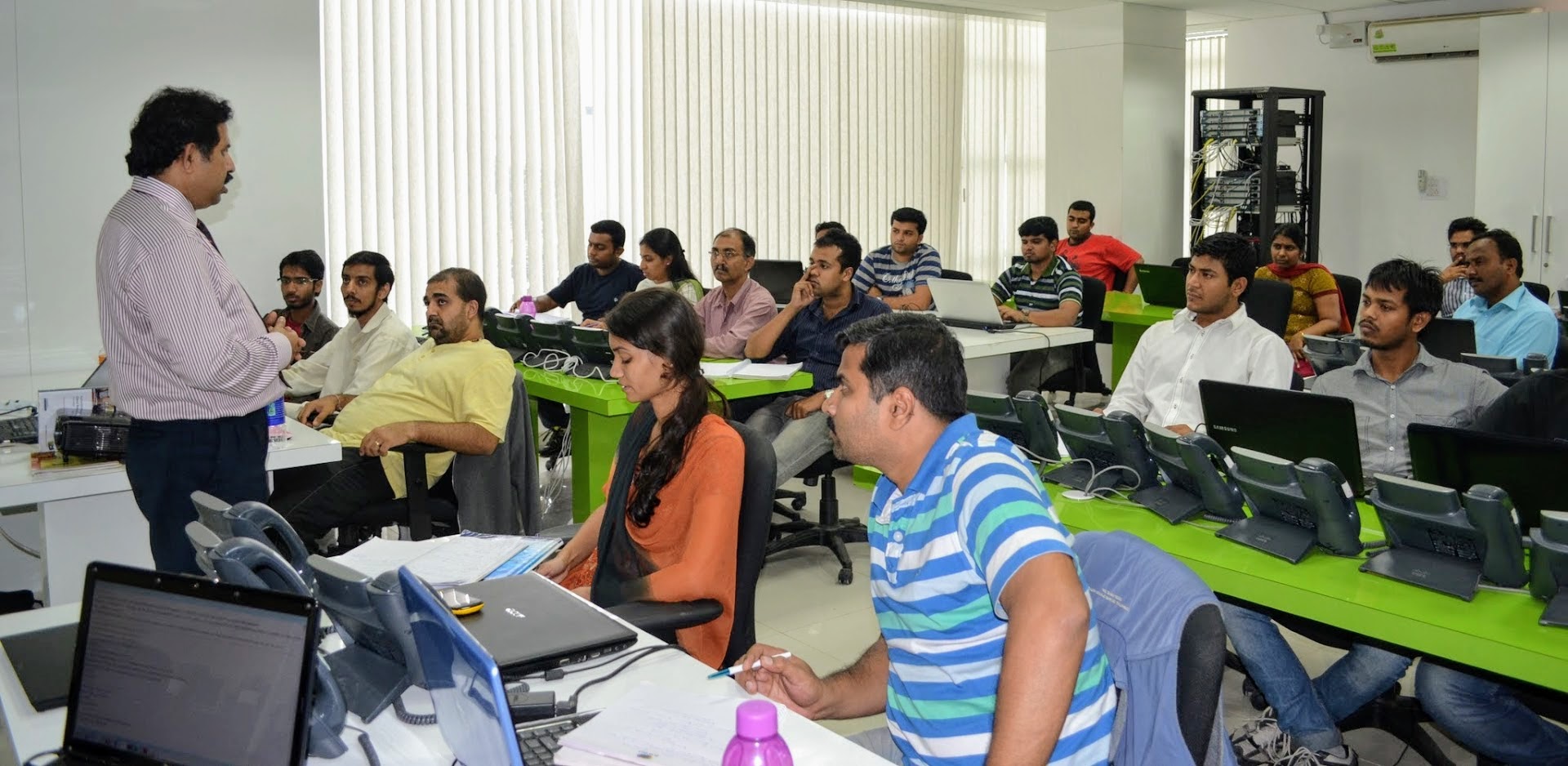
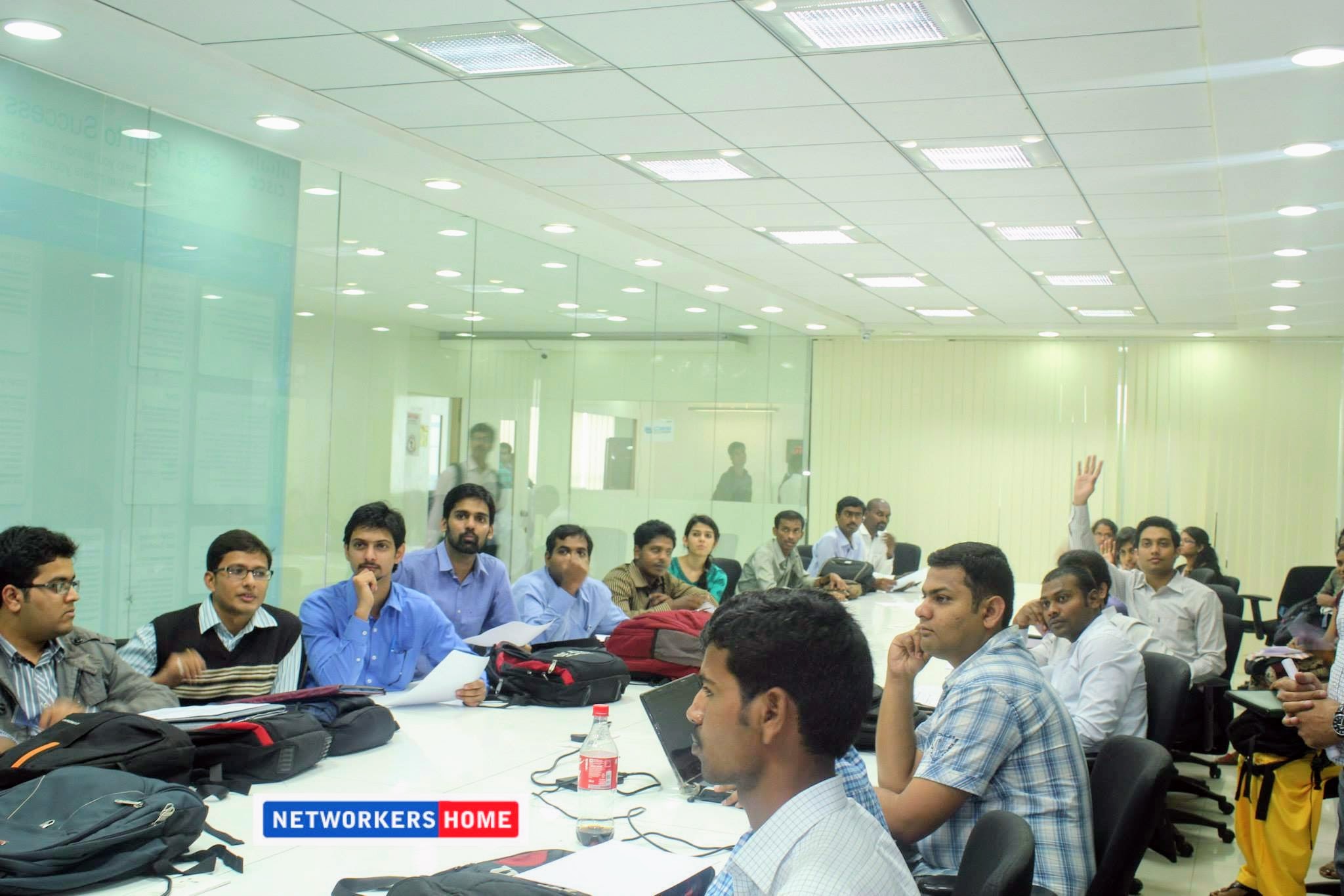
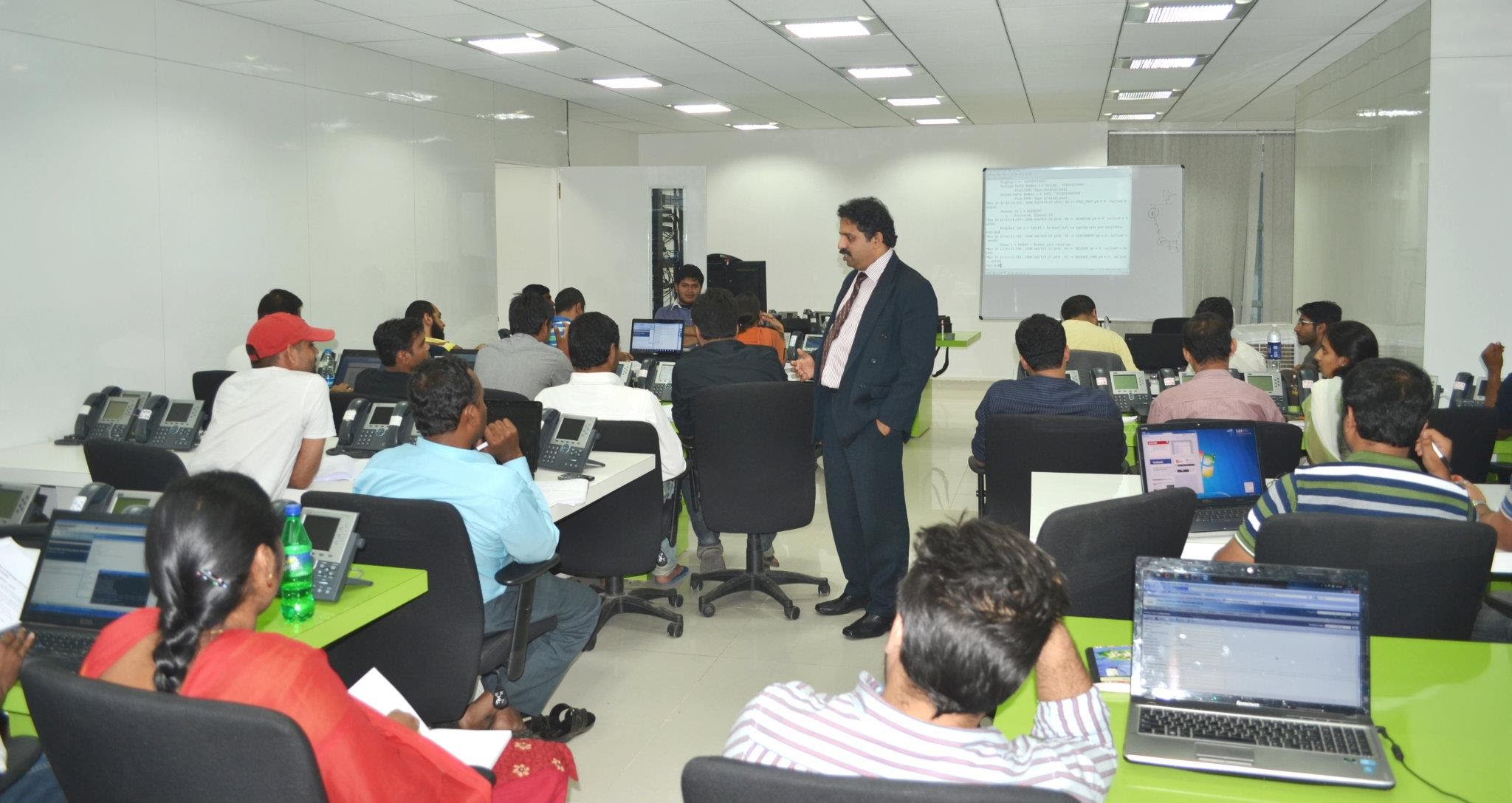
Most weekday classrooms run 18-25 students. Saturday founder-led sessions on the flagship 8-month programmes pull larger groups. Front-of-room twin projectors, whiteboard, and live-lab terminals at every desk.
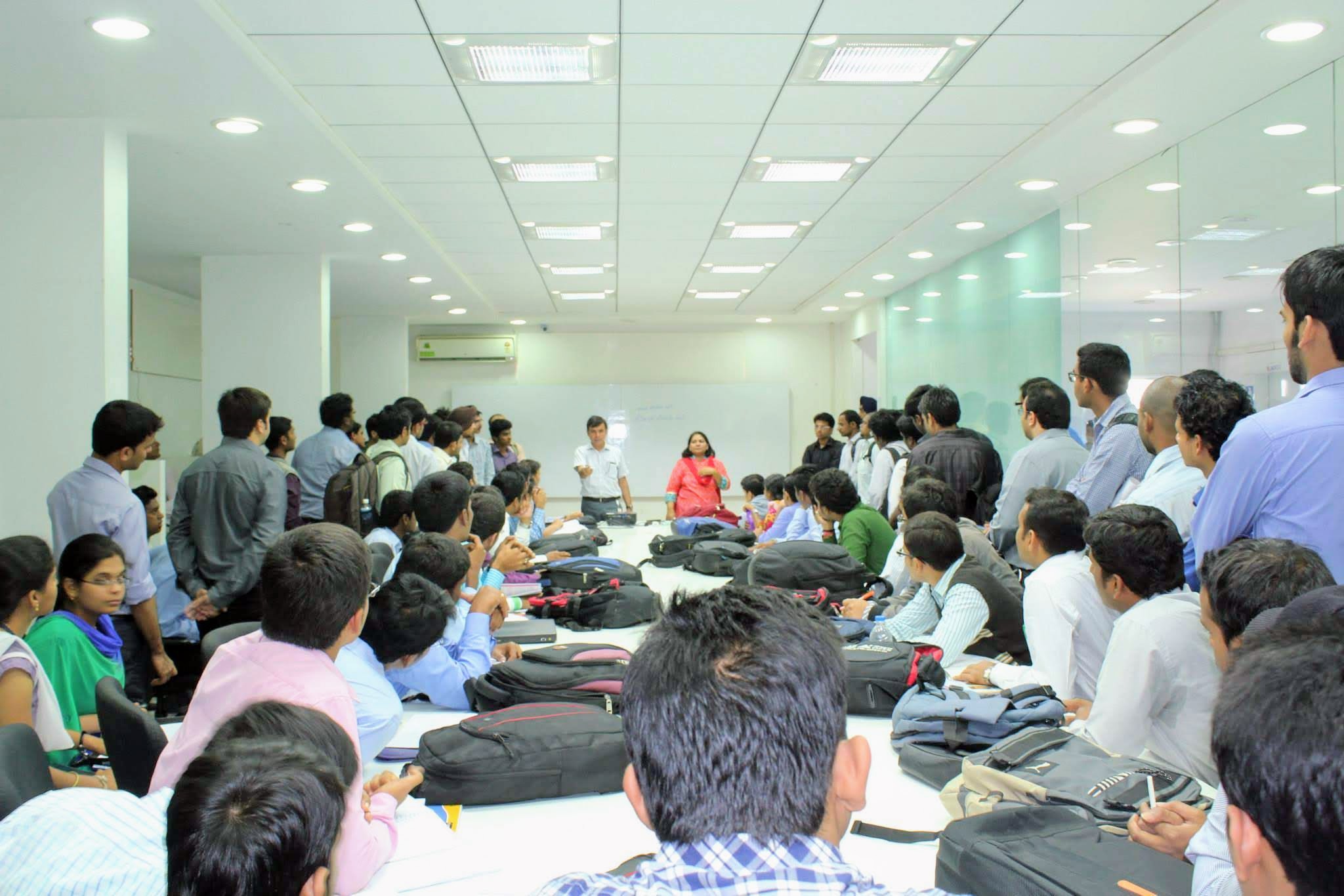
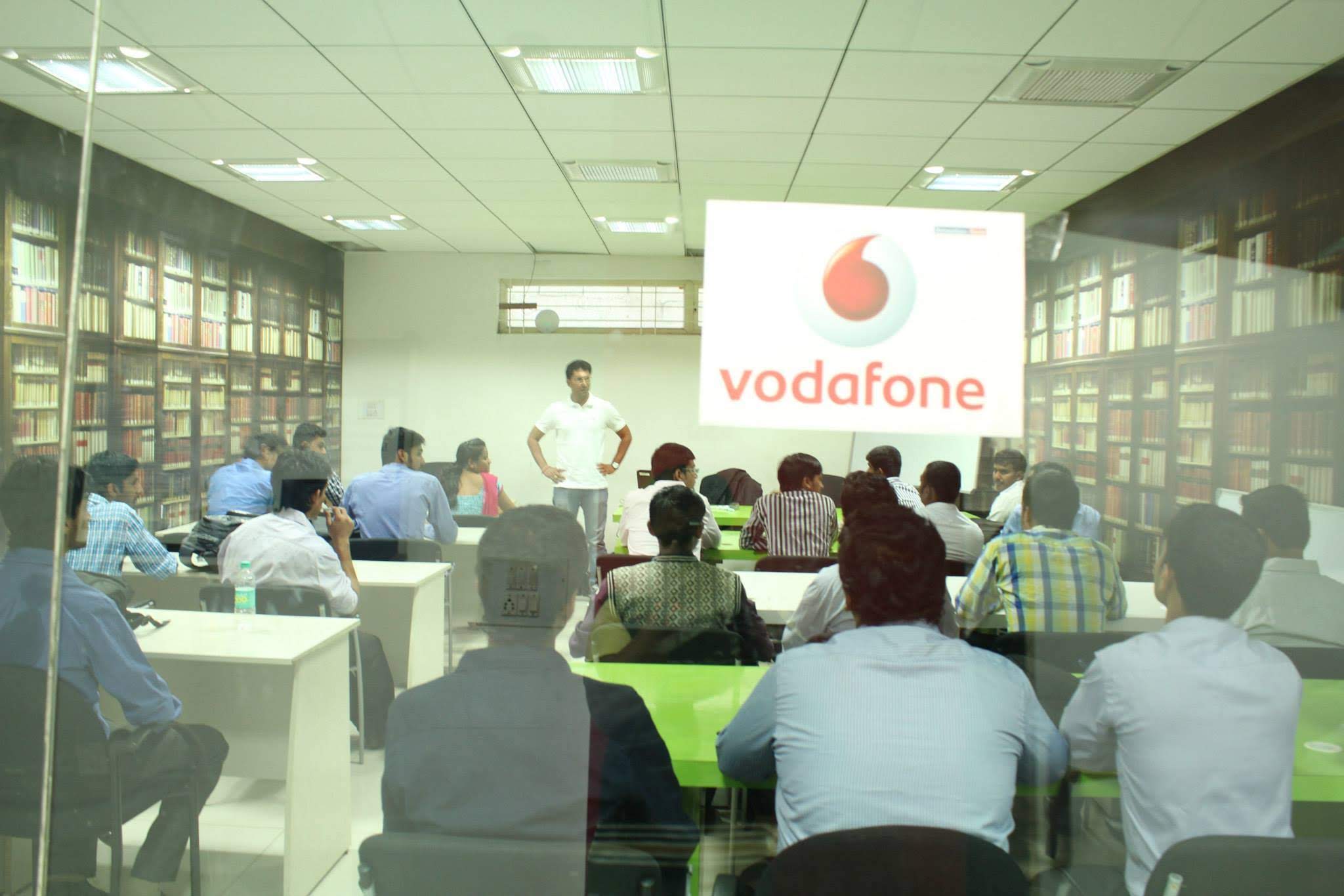
Networkers Home CCIE batch classroom session
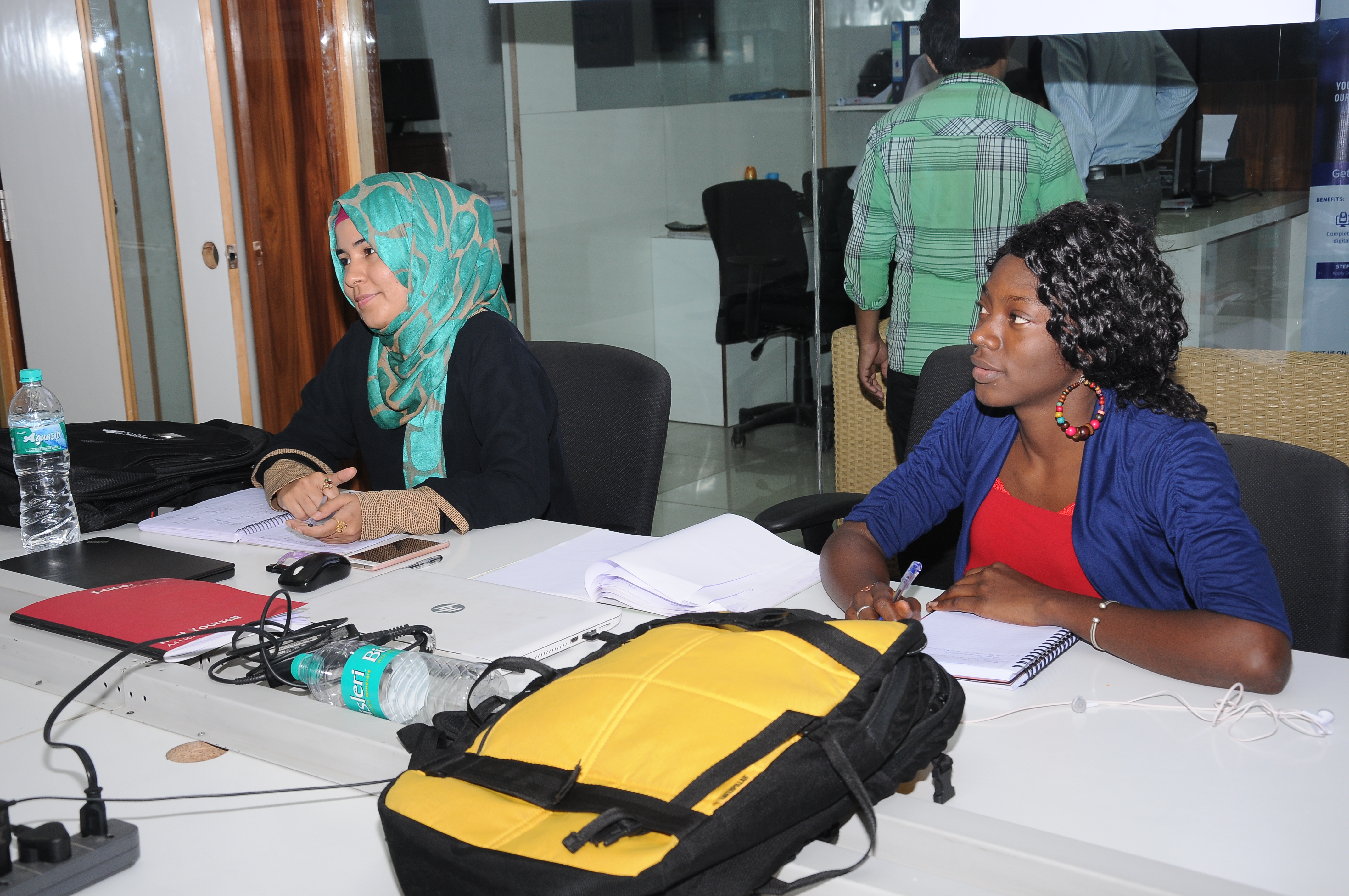
Networkers Home cybersecurity classroom
Founder & Trainers

Vikas Swami and the trainer panel

Founder Vikas Swami - Dual CCIE #22239 (Routing & Switching + Security), verifiable on Cisco's public CCIE database. Personally takes Saturday lab sessions on selected programmes and runs a monthly Founder AI Workshop open to all enrolled students.

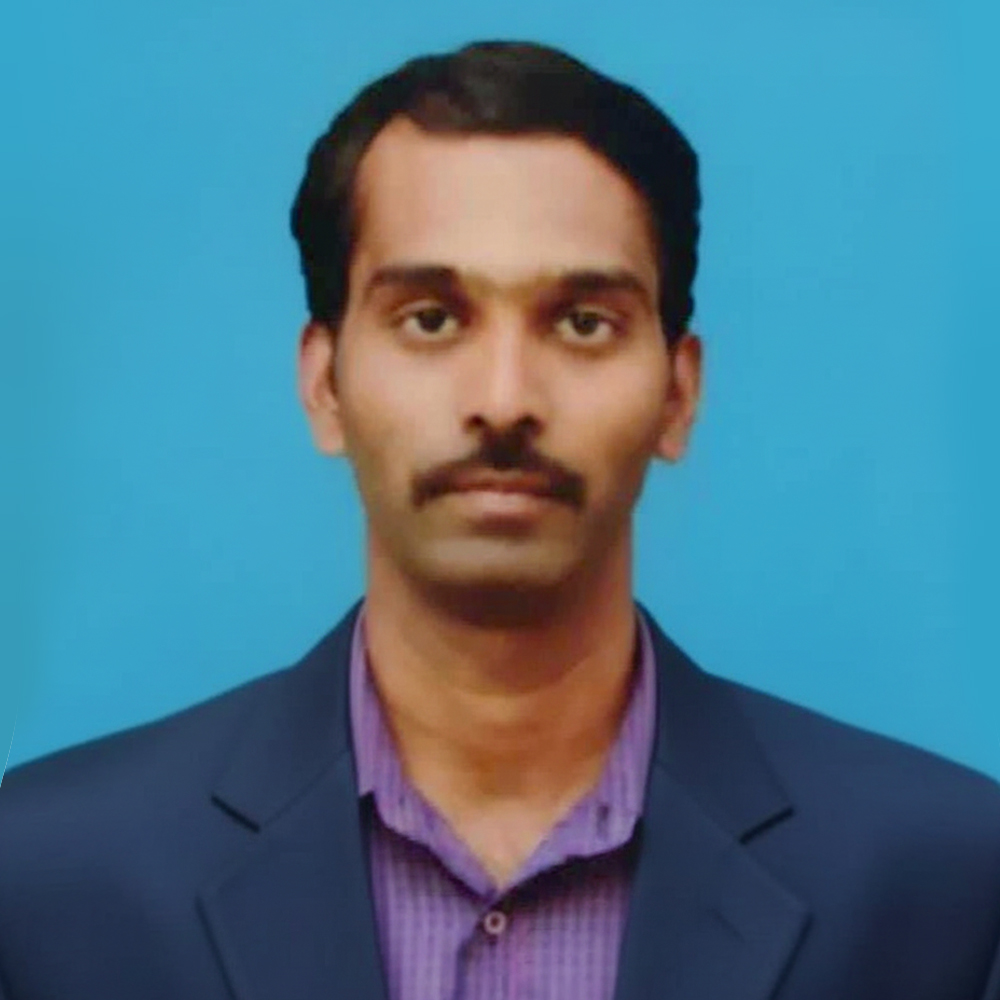
Networkers Home senior trainer Ajay
Networkers Home senior trainer Arun
Networkers Home senior trainer Bhim
Networkers Home senior trainer Jatin
Networkers Home senior trainer Pankaj
Networkers Home senior trainer Sanjay
Networkers Home senior trainer Tamil
Networkers Home senior trainer Vishal
Alumni

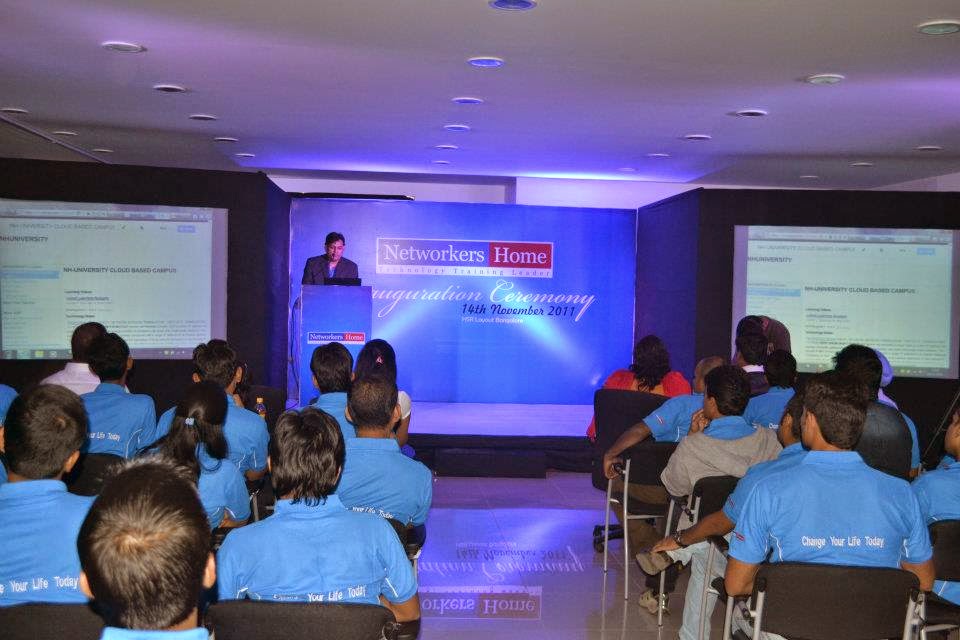
Alumni events and placement drives

45,000+ engineers placed since 2007. The wall outside the founder's office carries every joining letter from the past 19 years - Cisco TAC, Palo Alto TAC, Fortinet, NTT, Wipro Cybersec, HCL, Tech Mahindra, Mphasis, Saviynt, Razorpay, Flipkart, Paytm.
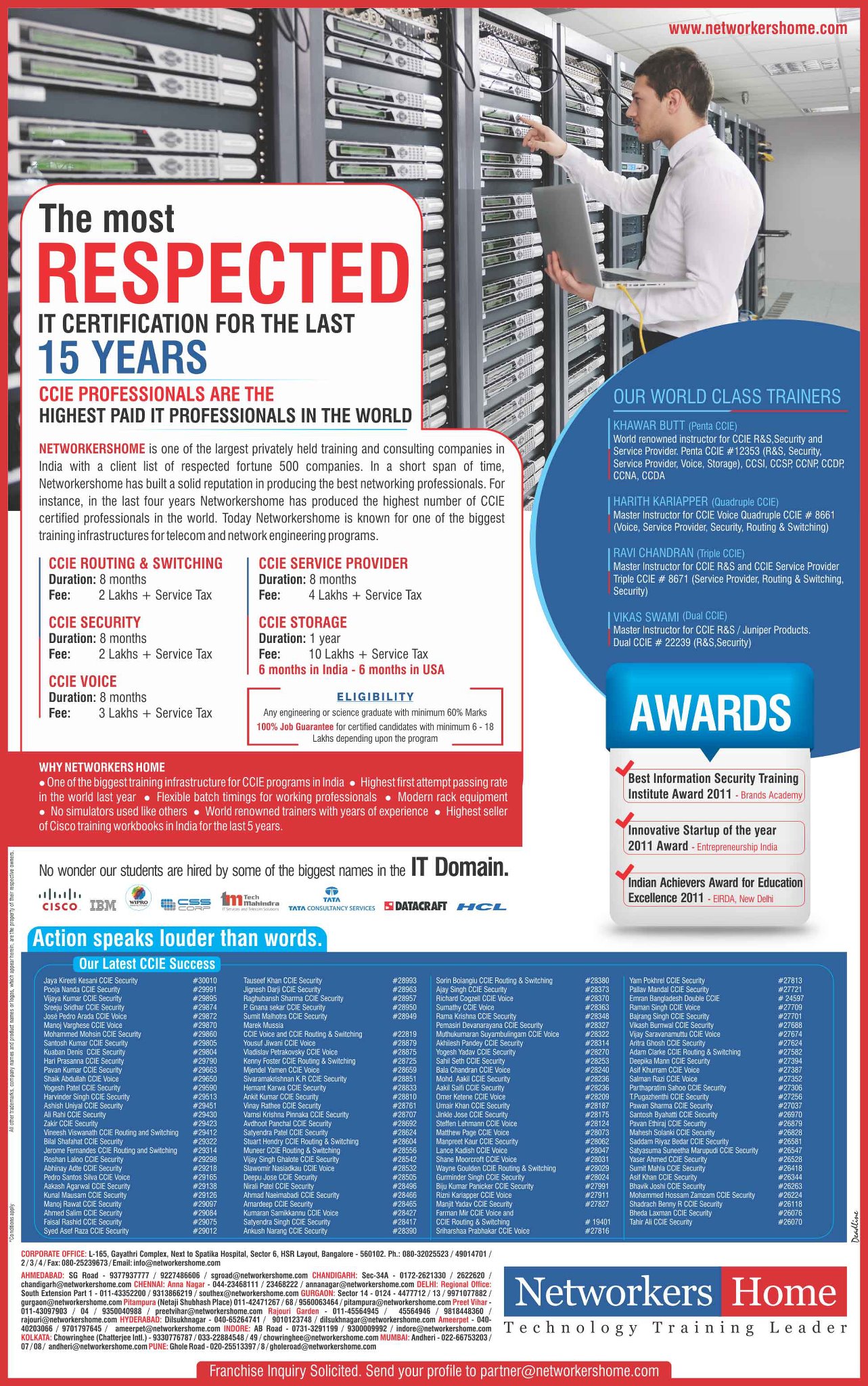
Networkers Home alumni placement event
Networkers Home alumni meet
Networkers Home batch graduation photo
The verifiable facts behind the photos

What you cannot see in photos but can verify independently

Dual CCIE #22239

Founder Vikas Swami holds Cisco Dual CCIE #22239 (Routing & Switching + Security). Verifiable on Cisco's public CCIE database. Full founder bio at /vikas-swami/.

19-year operating history

Founded 2007. 45,000+ engineers placed across 19 years of continuous monthly batches. 800+ hiring partners pan-India. Placement record at /placements/.

Third-party review signals

4.7 stars on 1,173 Google reviews (as of June 2026). 4.5 stars on 1,345 JustDial reviews. 172,000+ @NetworkersHome YouTube subscribers. Detailed breakdown at /networkers-home-reviews/.

Real-hardware lab, not simulator

Cisco + Palo Alto + Fortinet + Check Point + Kali. 24x7 over vpn.networkershome.com. Full lab specs at /lab/.

FAQ · 8 quick answers

Networkers Home photos - FAQ

Where is the Networkers Home campus located? +
Networkers Home is located in HSR Sector 6, Bangalore (Karnataka, India). The campus is a short walk from the HSR BDA Complex and roughly a 10-minute auto ride from the HSR Layout bus stand. Most partner PGs cluster within a 1-2 km radius - many students walk to class. The campus has been at HSR Layout since the institute was founded in 2007.
Does Networkers Home really have a real-hardware lab? +
Yes. Networkers Home runs a real-hardware lab with Cisco ISR / Catalyst routers and switches, Palo Alto PAN-OS 11 firewalls, FortiGate 7.4 boxes, Check Point R82 gateways, and a Kali Linux attack-range. The lab is accessible 24x7 over VPN at vpn.networkershome.com. This matters because Packet Tracer / GNS3 / EVE-NG simulators do not replicate real-hardware behaviour on CCIE, PCNSE, or NSE 7 lab exams.
Can I visit the Networkers Home campus before enrolling? +
Yes. Walk-in visits are welcome Monday to Saturday between 10 AM and 7 PM. The admissions desk can show you the lab, classrooms, founder's office, and the placement wall. You can also book a free counselling slot in advance via the contact form so a counsellor is reserved for your visit. Out-of-state students who cannot visit can join a live video walk-through instead.
Are these photos genuine - or stock images? +
Every photo on this page is genuine, taken on the Networkers Home HSR Layout campus over the past 19 years of operation. No stock photography. Faces of students in batch photos are typically obscured for privacy unless the student has provided explicit consent for public use. Trainer photos and founder photos are published with consent.
How big are the classroom batches at Networkers Home? +
Weekday classroom batches run 18-25 students. Saturday founder-led sessions on the 8-month flagship programmes pull larger groups (40-60 students) because the founder personally takes those sessions. Live-online batches run 20-30 students with breakout-room lab assistance. Detailed batch-size policy at /networkers-home-batch-size-class-strength/.
Can I see photos of the trainer panel? +
Yes - the Founder & Trainers section above shows headshots of the senior trainer panel. Full trainer bios, certifications (CCIE, JNCIE, PCNSE, NSE 7, OSCP), and teaching schedule at /trainers/. Founder Vikas Swami holds Dual CCIE #22239 (verifiable on Cisco's public CCIE database).
Where are the alumni placement-letter photos? +
The Alumni section shows placement-drive event photos. The actual physical wall of joining letters outside the founder's office cannot be photographed at full resolution due to student-data privacy rules. Aggregated placement records at /placements/ and the standalone /networkers-home-placement-record-2026/ page.
Can I use Networkers Home photos for my own content? +
Networkers Home photos are copyrighted to Networkers Home. Press, journalists, and partners writing about NH may use them with attribution - email info@networkershome.com to request a press pack. Students enrolled in NH may reshare batch photos with attribution (do not crop out the NH watermark). Commercial use without permission is not allowed.